
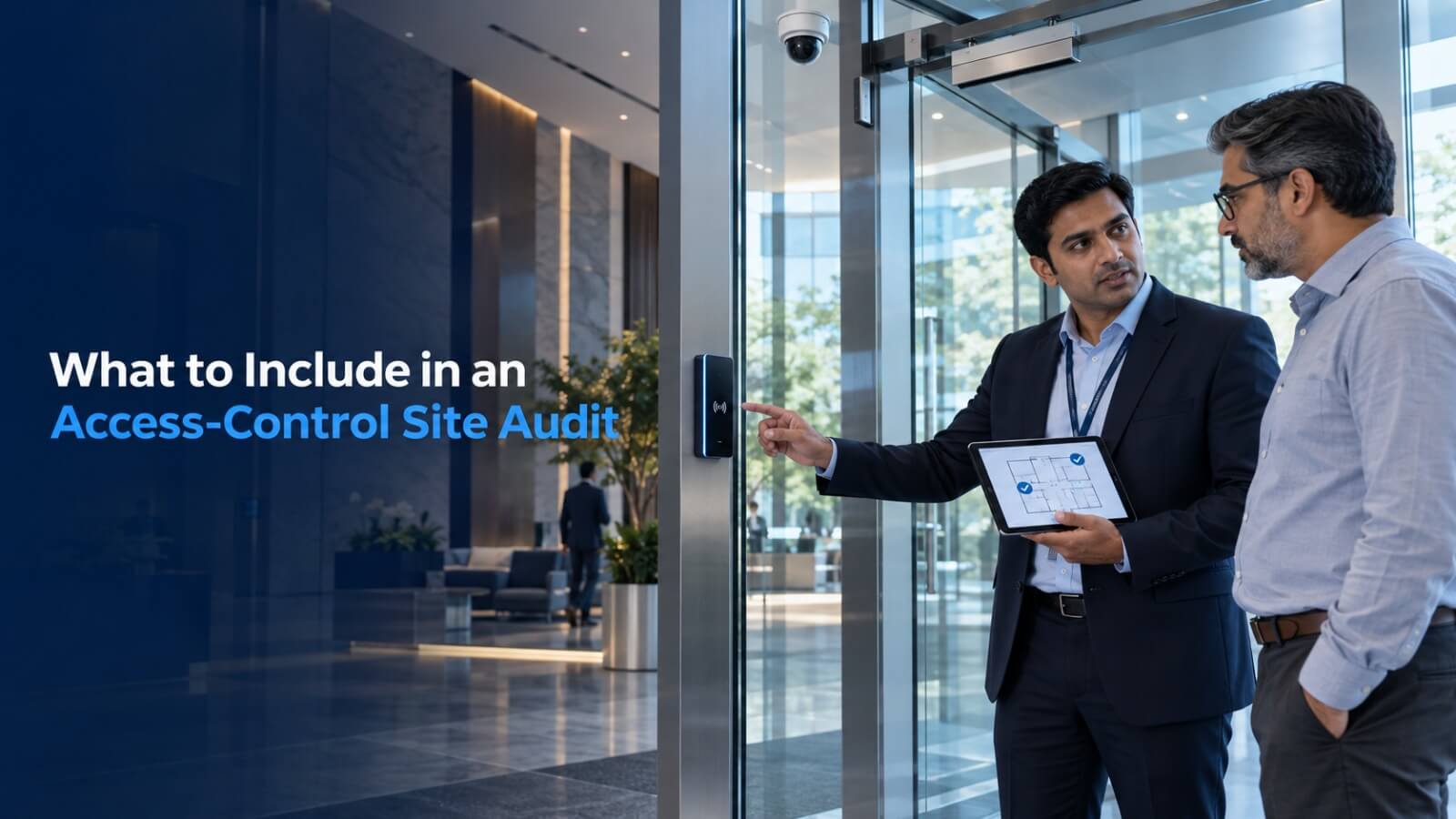
A reliable access-control system begins long before equipment is installed. It starts with understanding the site, users, entry points, security policies and daily movement patterns.
A detailed site audit helps organisations avoid unsuitable hardware, access bottlenecks and costly installation changes.
Identify Every Entry Point
Begin by documenting all locations where movement needs to be controlled:
- Main entrances
- Employee entrances
- Visitor areas
- Parking gates
- Server rooms
- Production areas
- Warehouses
- Emergency exits
- Restricted floors
Each entry point may require a different level of security and a different type of equipment.
Understand User Categories
The system should distinguish between the people who use the facility.
Common categories include:
- Employees
- Visitors
- Vendors
- Contractors
- Students
- Residents
- Security personnel
- Delivery teams
Each category may have different permissions, schedules and approval requirements.
Measure Traffic and Peak Load
The number of people using an entrance affects the type and number of access lanes required. A corporate lobby during morning hours will have different requirements from a restricted server room.
The audit should record:
- Average daily footfall
- Peak entry and exit periods
- Expected users per minute
- Queue-management requirements
- Accessible-entry requirements
Review Credential Options
Users may be identified using:
- RFID smart cards
- NFC credentials
- Biometric authentication
- Mobile credentials
- QR visitor passes
- Long-range vehicle tags
The selected credential must be compatible with the readers, controllers and existing business systems.
Assess the Existing Infrastructure
Installation requirements should be confirmed for:
- Power availability
- LAN connectivity
- Wireless coverage
- Cable routes
- Mounting surfaces
- Network cabinets
- Backup power
- Existing access controllers
Infrastructure gaps discovered after equipment arrives can delay deployment.
Select the Appropriate Entrance Equipment
Different sites may require different physical controls:
- Flap barriers
- Swing barriers
- Tripod turnstiles
- Boom barriers
- Electromagnetic door locks
- Automatic doors
Selection should consider traffic, available width, security level, appearance, indoor or outdoor use and emergency behaviour.
Plan System Integration
Access control becomes more valuable when connected with related platforms.
Possible integrations include:
- Attendance systems
- Visitor management
- CCTV monitoring
- Intrusion alarms
- Parking management
- HRMS platforms
- Building-management systems
Compatibility should be verified before finalising the architecture.
Define Emergency and Exception Workflows
The audit must also examine what happens when:
- A credential is lost
- A visitor arrives without approval
- The network becomes unavailable
- Power fails
- A gate is obstructed
- Emergency evacuation is required
- Unauthorised access is attempted
Confirm Reporting Requirements
Different teams require different information. Security may need access-event history, while HR may need attendance records.
Define who can view, export or manage:
- Entry and exit records
- Denied-access events
- Visitor activity
- Door status
- Alarm events
- Attendance reports
Conclusion
An access-control site audit connects security requirements with real operating conditions. It helps determine the correct equipment, infrastructure, credentials and integration approach before installation begins.
TS Informatics provides site assessment, system architecture, equipment selection, installation, testing and post-deployment support through one accountable team.